
Table of Contents
ToggleSetting up security cameras in an office isn’t just about deterring break-ins anymore. Modern office camera systems help prevent internal theft, document workplace incidents, monitor after-hours activity, and even streamline operations. Whether someone’s running a solo home office or managing a multi-room commercial space, choosing the right camera setup requires balancing image quality, storage capacity, and installation complexity. This guide walks through the essential features, camera types, and installation considerations for protecting an office workspace effectively.
Key Takeaways
- A security camera for office should start with cameras at entry points and high-value areas, using PoE technology for reliability or Wi-Fi models for smaller spaces.
- Choose 1080p (Full HD) resolution as the minimum standard to identify individuals 10-15 feet away, with 4K offering sharper images but requiring more storage.
- Weigh storage options between local NVRs ($200-$600 upfront cost), cloud services ($3-$15 monthly per camera), or hybrid systems to balance privacy, accessibility, and redundancy.
- Mount cameras 8-10 feet high at corners to prevent tampering while maintaining face-level identification and avoiding backlighting from windows.
- Check local recording laws before installation—audio recording typically requires consent, and cameras are prohibited in bathrooms and changing areas.
- Start with 2-4 strategically placed dome and bullet cameras for offices under 1,000 square feet, combining interior coverage with exterior entry point monitoring.
Why Your Office Needs a Security Camera System
Office security cameras serve multiple roles beyond basic theft prevention. They create visual records of who enters and exits the space, which is critical for liability protection if someone claims an injury occurred on the premises. Cameras positioned at entry points, reception areas, and storage rooms deter opportunistic theft from both external intruders and internal actors.
For home offices, cameras provide peace of mind during business trips or after-hours, especially in detached workshops or converted garages. In shared office environments, cameras help resolve disputes about missing equipment, unauthorized access to restricted areas, or vandalism.
Many jurisdictions allow workplace surveillance, but there are legal limits. Audio recording typically requires consent in most states, and cameras shouldn’t be placed in bathrooms, changing areas, or other spaces where privacy is expected. Check local laws before installation, some states mandate visible signage notifying employees and visitors that recording is in progress.
Insurance companies sometimes offer premium reductions for documented security systems, particularly for businesses with high-value inventory or equipment. Keep receipts and installation records to qualify for these discounts.
Key Features to Look for in Office Security Cameras
Resolution, Night Vision, and Field of View
Resolution determines whether footage is useful for identifying faces or reading license plates. 1080p (Full HD) is the minimum standard for office use, it captures enough detail to identify individuals at 10-15 feet. 4K cameras provide sharper images and allow digital zooming without losing clarity, but they generate larger file sizes that eat storage faster.
Night vision matters even in offices with overnight lighting. Infrared (IR) LEDs provide black-and-white visibility up to 30-100 feet depending on the model. Some cameras offer color night vision using ambient light or built-in spotlights, which helps with vehicle identification in parking areas. The expert-tested models for 2026 often feature enhanced low-light sensors that outperform basic IR systems.
Field of view (FOV) ranges from 90° to 180°. Wider angles cover more area but distort edges, a 130° lens works well for most office corners. Narrow-angle cameras (70-90°) suit hallways or focused monitoring of specific equipment like server racks or safes.
Some cameras offer pan-tilt-zoom (PTZ) functionality, either manually controlled or with automated tracking. PTZ models cost more and require more complex wiring, but they replace multiple fixed cameras in open floor plans.
Storage Options and Cloud Integration
Storage divides into three categories: local, cloud, and hybrid.
Local storage uses microSD cards (typically 64GB-512GB) or a network video recorder (NVR). MicroSD cards are cheap and keep data fully private, but they’re vulnerable to theft, if someone steals the camera, the footage goes with it. NVRs connect multiple cameras via Ethernet, storing footage on internal hard drives (2TB-8TB common). NVRs require upfront investment ($200-$600) but eliminate monthly fees.
Cloud storage uploads footage to remote servers, accessible from any device with internet. It prevents evidence loss if cameras are damaged or stolen. Most cloud services charge $3-$15 per camera monthly depending on retention period (7-60 days typical). Bandwidth matters, uploading 4K footage from multiple cameras can strain office internet, especially with asymmetric connections (fast download, slow upload).
Hybrid systems use local storage as primary with cloud backup for critical events flagged by motion detection. This balances cost and redundancy.
Look for cameras supporting ONVIF protocol, which ensures compatibility with third-party NVRs and software. Proprietary systems lock users into specific brands and subscription models.
Some systems offer smart alerts using AI to distinguish between people, vehicles, and animals, reducing false notifications from passing cars or tree shadows. Person detection works reliably in most current security camera options, while package detection and facial recognition remain less consistent.
Best Types of Security Cameras for Office Environments
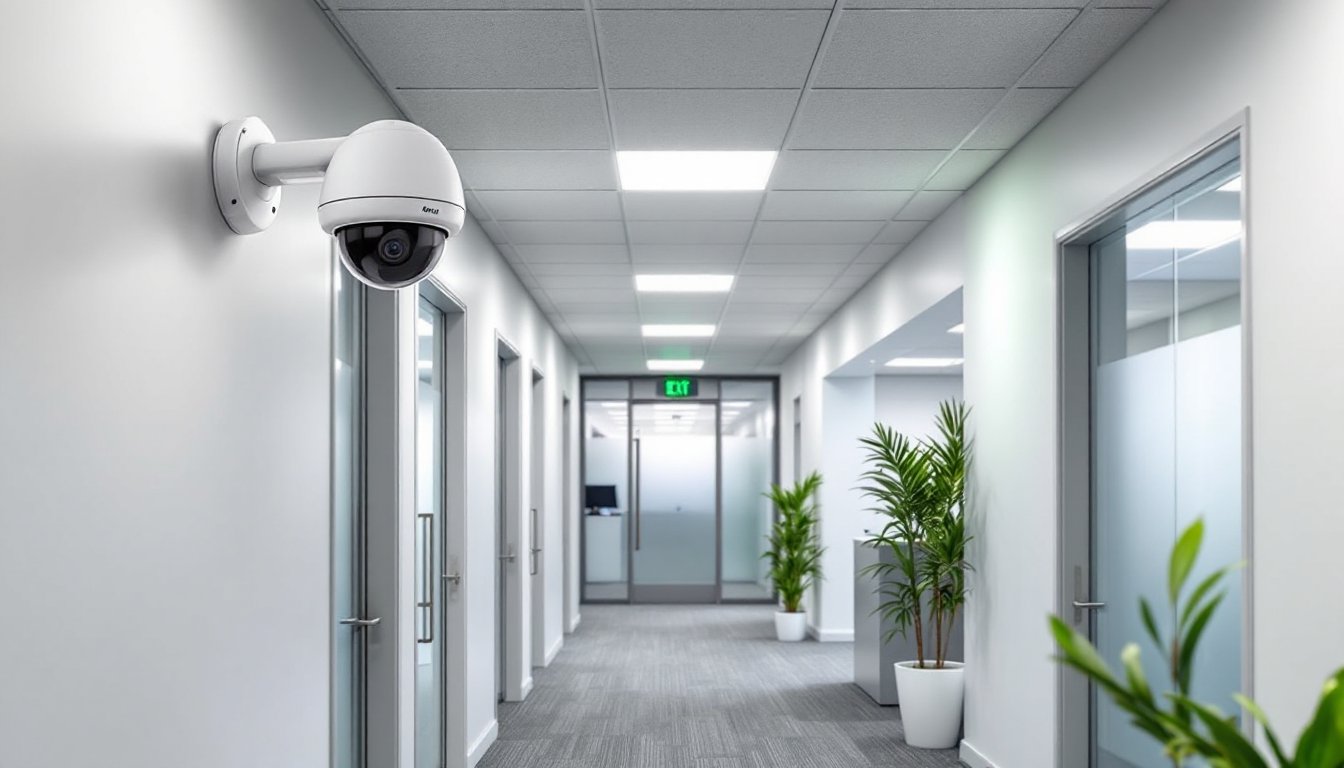
Dome cameras mount flush to ceilings and resist tampering due to their enclosed design. The dome housing makes it harder to tell which direction the lens points, adding a psychological deterrent. They work well in reception areas, hallways, and conference rooms. Most dome cameras are not weatherproof unless specifically rated IP66 or higher.
Bullet cameras are cylindrical, typically used for outdoor monitoring of parking lots, entrances, and loading docks. Their visible design acts as a deterrent. Bullet cameras usually include mounting brackets for wall or eave installation and often have better IR range than domes due to more space for LED arrays.
PTZ cameras suit large open offices, warehouses, or retail spaces. They can cover wide areas with a single unit but cost $300-$1,200 each. Installation requires running power and network cables capable of handling PTZ commands (PoE+ recommended).
Wireless/Wi-Fi cameras eliminate Ethernet runs, making them easier to install in finished spaces where fishing cables through walls isn’t practical. They still need power, either a nearby outlet or battery operation with solar charging. Wi-Fi cameras depend on network reliability: interference from microwaves, cordless phones, or neighboring networks can cause dropouts. They’re best for small offices with 1-4 cameras. Larger setups should use wired PoE (Power over Ethernet) cameras for stability.
PoE cameras receive power and data through a single Ethernet cable connected to a PoE switch or NVR. This simplifies installation and eliminates the need for nearby outlets. PoE systems scale better, 16-32 camera setups are common in commercial spaces. Expect to run Cat5e or Cat6 cable, which is straightforward in drop-ceiling offices but more involved in finished spaces.
Covert/discreet cameras look like smoke detectors, clocks, or other everyday objects. They’re occasionally used in offices to monitor suspected internal theft without alerting the subject. Use of covert cameras has legal and ethical implications, consult local laws and consider notifying employees that surveillance is in use, even if camera locations aren’t disclosed.
For most small to mid-sized offices, a mix of PoE dome cameras for interior coverage and PoE bullet cameras for exterior entry points provides the best balance of reliability, image quality, and installation cost. Offices under 1,000 square feet can often manage with 2-4 strategically placed cameras covering entry points and high-value areas.
Installation Tips for Your Office Security Camera
Placement and coverage come first. Walk the space and identify entry points (doors, windows, garage access), high-value areas (equipment storage, server rooms, cash handling), and vulnerable spots (blind corners, rear exits). Draw a rough floor plan and mark camera positions. Cameras should be 8-10 feet high to prevent tampering while maintaining face-level identification. Corner mounting provides the widest coverage.
Avoid aiming cameras directly at windows or bright lights, backlighting washes out details and renders footage useless. If a camera must cover a door with glass, mount it to the side rather than facing the window straight-on.
Power planning depends on camera type. PoE cameras need a PoE switch or injector, a 4-port PoE switch costs $40-$80, while 8-port models run $80-$150. Ensure the switch provides enough wattage per port (15.4W for standard PoE, 30W for PoE+). Wireless cameras need outlets within 6 feet unless using extension cords, which create tripping hazards and violate some fire codes.
Cable runs for PoE systems require planning. Cat5e or Cat6 cable supports runs up to 328 feet from the switch to the camera. In drop-ceiling offices, running cable is straightforward, use J-hooks or cable trays to support horizontal runs, and avoid zip-tying cables to sprinkler pipes or electrical conduit. In finished spaces, fish tape helps pull cable through walls. Drill holes slightly larger than the connector to allow pulling the cable with the plug already crimped.
For exterior cameras, use outdoor-rated cable (direct burial if running underground, UV-resistant if exposed to sun). Seal entry points with silicone caulk to prevent water intrusion. Cameras mounted on brick or stucco require a masonry bit and plastic anchors, don’t rely on drywall anchors for outdoor installations.
NVR or computer setup involves connecting the recorder to the network via Ethernet and configuring camera channels. Most NVRs auto-detect compatible PoE cameras. Set resolution, frame rate (15-30 fps typical), and motion detection zones through the NVR’s web interface or dedicated software. Many of the top-rated systems tested in 2026 feature user-friendly setup wizards that simplify initial configuration.
Enable motion-based recording to conserve storage, continuous recording fills drives quickly. Define motion zones to exclude areas with constant movement like tree branches or busy streets.
Wear safety glasses when drilling overhead, and use a non-contact voltage tester before drilling into walls to avoid hidden electrical lines. For installations above 8 feet, use a stable ladder and have a second person spot. Don’t attempt installations near electrical panels or service entrances without turning off power, hire an electrician if camera placement requires working near live circuits.
Most residential office camera installations don’t require permits, but commercial spaces may need electrical or low-voltage permits depending on jurisdiction. Check with the local building department, especially for systems with more than four cameras or any installation involving conduit.
Conclusion
A well-planned office security camera system balances coverage, storage, and budget. Start with cameras at entry points and high-value areas, using PoE for reliability in permanent installations or quality Wi-Fi models for flexibility in smaller spaces. Prioritize resolution and night vision over gimmicky features, and choose storage that fits actual needs, cloud for accessibility, local for privacy and cost savings. Proper installation height, cable management, and power planning prevent headaches later. Most importantly, check local recording laws and post signage where required to stay compliant.

